- Kilnly
- Features
- Prompt and sketch
Prompt and sketch
Describe it once.Get parts you can edit.
Kilnly reads a sentence, a photo or a rough sketch and plans the object before it builds anything: which parts it has, how big they are, how they join.
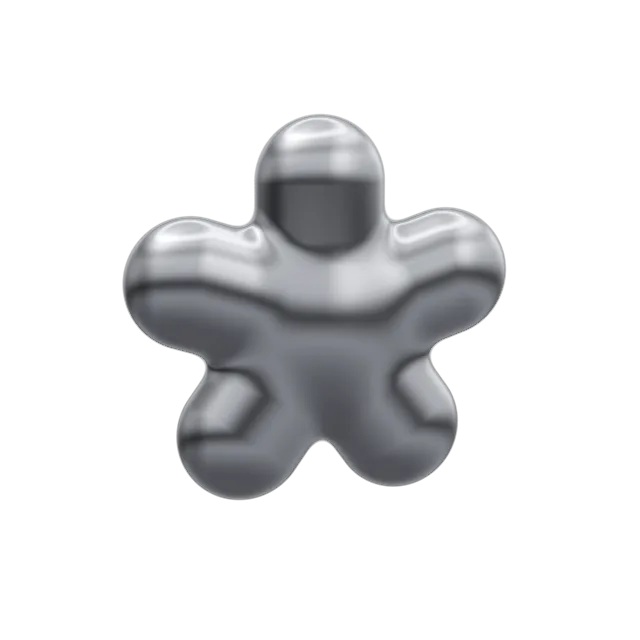
It plans before it models
Instead of one melted mesh you get a plan: named parts, sizes in centimetres and the joins between them. Change the plan and the model follows.
- Named parts and groups
- Sizes you can type
- Triangle budget per part
lamp          group        22 × 30 × 22 cm
├─ cap       half sphere  r 11 cm
├─ stem      capsule      r 2.5 cm
├─ base      cylinder     r 7 cm
├─ join      soft union   k 0.12
└─ finish chrome rough 0.05Sketches welcome
Snap a napkin, upload a photo of a toy or doodle in the browser. Kilnly reads the silhouette, guesses the depth and keeps your proportions.
- Front, side or three-quarter views
- Photos, scans and doodles
- Wobbly lines are fine
A style that stays yours
Pick a finish and a level of detail once; every model in the project follows it. Teams can train a style on their own renders.
- Chrome, satin, clay and flat
- Low-poly or smooth
- Shared style per project
Finish
Detail
Scale
Questions
What can I describe?
Props, small rooms, icons and toys work best: things made of a few clear volumes. Kilnly is not built for faces, animals with fur or photoreal scans.
Can I fix a part the model got wrong?
Yes. Every part is a layer. Select it, change its size or shape, or describe just that part again.
Who owns the models?
You do. On paid plans the commercial licence covers games, apps and client work.
What will youshape first?
50 free models a month. No card, no Blender, no tutorials.