- Kilnly
- Features
- Editor
Editor
Edit it like a frame,not a sculpture.
Every model opens as layers of simple shapes. Round a corner, subtract a sphere, soften the join with one slider. If you know Figma, you already know the shortcuts.
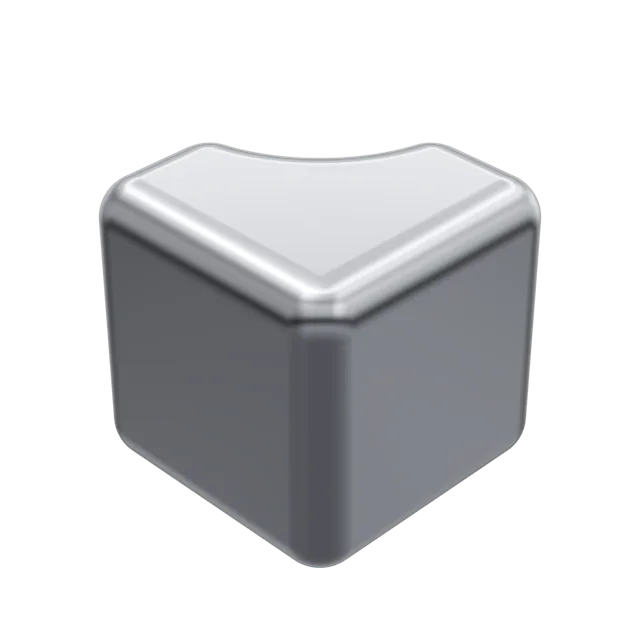
Layers, not vertices
Groups and parts read like a design file. Click selects the top level, double click goes deeper, and nothing is ever a pile of triangles.
- Groups and instances
- Lock, hide and rename
- Undo for every slider
- Cubegroup
- Bodyrounded box · r 16 cm
- Scoopsphere · subtract
- Joinsoft · 14 cm
- Standgroup
- Leg ×3capsule
Soft booleans
Union, subtract, intersect and exclude, each with a soft-join slider. The joint stays smooth, so chrome reflections never break on a seam.
- Joins computed as distance fields
- Preview in real time
- Bake to a clean mesh on export
Shortcuts you already know
The keys follow Figma wherever 3D allows. Where they differ, the cheat sheet says so.
- Press ? for the cheat sheet
- Snap to a 25, 50 or 100 cm grid
- Walk mode with W A S D
- Select deeper
- Double click
- Union
- ⌥ ⇧ U
- Subtract
- ⌥ ⇧ S
- Group
- ⌘ G
- Duplicate
- ⌘ D
- Show colliders
- ⇧ C
- Walk mode
- ⇧ W
Questions
Do I need to know 3D?
No. If you can resize a frame and set a corner radius, you can edit a Kilnly model.
Can I import my own meshes?
Yes, GLB and OBJ. Imported meshes join booleans like any other part.
Does it run in the browser?
Yes, on any recent laptop with a graphics card. Nothing to install.
What will youshape first?
50 free models a month. No card, no Blender, no tutorials.